 Viktar Patotski ·
· AI
· 12 min read
Viktar Patotski ·
· AI
· 12 min read
Build an AI Agent with Spring AI 2.0: A Working Example with Guardrails
A support-triage AI agent in Java with Spring AI 2.0.1: one structured workflow step, a bounded tool loop, tenant data the model never sees, and refunds that wait for a human. Plus the guardrails Spring AI now ships and the ones you still write yourself.
TL;DR: Spring AI 2.0.1 has no
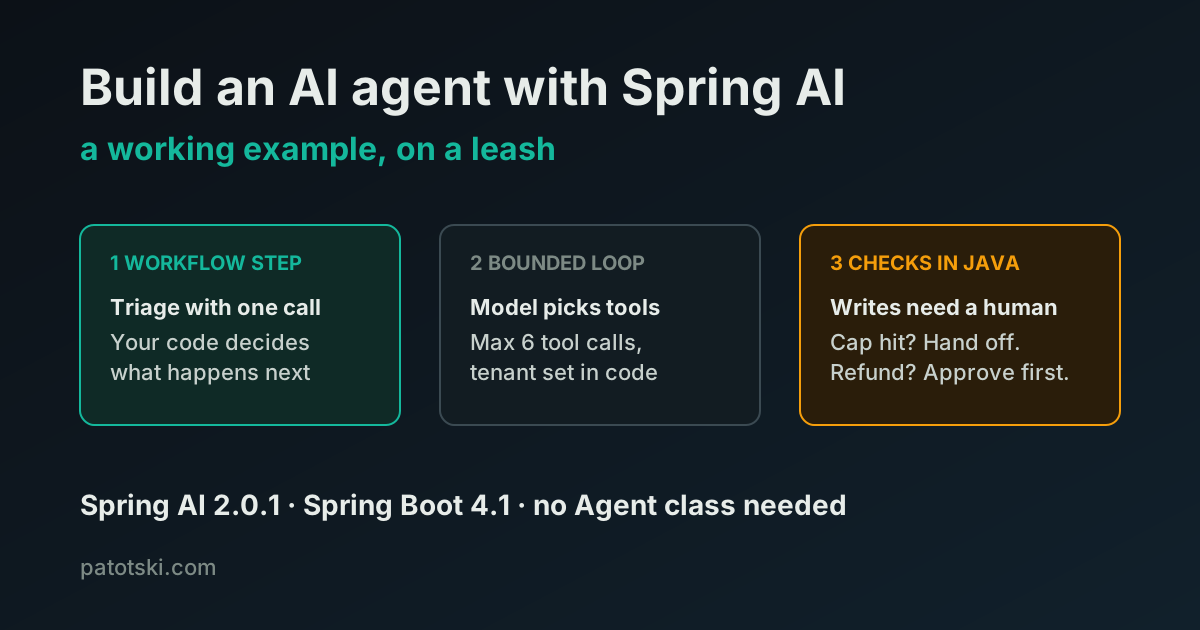
Agentclass, and you do not need one. An AI agent in Spring is aChatClientcall with tools attached: the framework runs the loop where the model calls a tool, reads the result and decides what to do next. Since 2.0.1 that loop has a built-in tool-call cap (40 per tool and 150 per turn by default, far too high for a support bot) and only the tools you attach to a request can run. What you still write yourself: a token budget, approval for anything that writes, tenant isolation and evals. The worked example below does it in three small classes.
What founders mean by “AI agent”
“Agent” is the loudest word in AI right now and the one a vertical SaaS needs least often. Anthropic’s Building Effective Agents draws the line that matters. Workflows are “systems where LLMs and tools are orchestrated through predefined code paths.” Agents are “systems where LLMs dynamically direct their own processes and tool usage, maintaining control over how they accomplish tasks.”
In a workflow, your code owns the path. In an agent, the LLM (large language model) owns it at runtime. That buys flexibility and costs you predictability, testability and money. Anthropic’s own advice is to start at the bottom: “we recommend finding the simplest solution possible, and only increasing complexity when needed,” because agentic systems “trade latency and cost for better task performance.”
Do you need an agent at all?
Pick the lowest row that solves your problem.
| Pattern | Who owns the path | Model calls per task | Use it for |
|---|---|---|---|
| Single call | Your code | 1 | Classify, extract, summarize |
| Prompt chain | Your code | Fixed N | Intake, normalize, then route |
| Routing | Your code | 2 | Support triage to the right prompt or model |
| Parallel checks | Your code | N at once | Several independent checks on one document |
| Evaluator loop | Your code | 2 per round | Draft, critique, revise to a bar |
| Orchestrator and workers | The model | Dynamic | Work you cannot split up in advance |
| Tool-using agent | The model | Up to your cap | ”Handle this request end to end” |
In five of the seven rows your code owns the path. They are cheaper, deterministic and unit-testable. Spring keeps runnable versions of the workflow patterns in spring-ai-examples. Reach for the last row only when the steps depend on what the model finds along the way. Customer support is that kind of task, which is why the example below uses one workflow step and one bounded agent step, not a free-running agent.
What Spring AI 2.0.1 gives you, and what it does not
Spring AI 2.0.1 is the current release (21 August 2026; 2.0.0 went GA on 12 June). It needs Spring Boot 4 and Java 17 or later. For an agent, the parts that matter:
- The tool loop. Attach
@Toolmethods to aChatClientrequest and the built-inToolCallingAdvisorruns call, tool, result, call until the model stops asking for tools. This is the agent. - Tool-call limits, new in 2.0.1. The loop now stops after 40 calls to any
one tool or 150 tool calls in one turn. Before 2.0.1, in the words of the
upgrade notes, “there was no limit at all.” Set your own limits with
spring.ai.tools.limits.*. - Request-scoped tools, also new in 2.0.1. The tools attached to a request “are the only tools that can be executed for that request.” In 2.0.0 a model could call any tool callback bean in the application context by name. Leave the fallback switched off.
ToolContext. Per-request data, such as a tenant ID, reaches your tools without ever going to the model.- Structured output.
.entity(Triage.class)turns a reply into a Java record. - Memory, RAG (retrieval-augmented generation) and MCP (Model Context
Protocol) as advisors and starters, and a token-usage metric
(
gen_ai.client.token.usage) through Micrometer.
What it does not give you: an Agent type, an approval step for tools that
write, a token or dollar budget, and an eval harness (it has evaluator building
blocks such as RelevancyEvaluator, not a test suite). The tool-call cap is
the one most tutorials miss, and its own design notes are clear about what it
is not: “Not a token or monetary cost budget; that’s a separate concern.” It is
“a coarse safety net.”
AI agent example: a support-triage agent in Spring AI
The task: a customer writes to support in a field-service scheduling product. The assistant answers from their tickets and the help center, and it may suggest a refund, but a person approves every refund. Each customer belongs to a tenant, and the model must never read another tenant’s data.
Setup: Spring Boot 4.1.1, the spring-ai-bom at 2.0.1, and one model starter.
This example uses spring-ai-starter-model-anthropic; switching provider is a
starter and a property change, which is worth keeping that way
(why it matters).
The limits, in configuration
spring.ai.tools.limits.max-total-tool-calls=6
spring.ai.tools.limits.max-calls-per-tool-default=3
spring.ai.tools.limits.on-limit-exceeded=THROW
Six tool calls is enough to look up tickets, search the help center twice and
propose a refund. A support turn that needs more is a turn a person should
read. Keep THROW, the default: the other mode, RETURN_ERROR_RESPONSE, tells
the model about the limit and lets the conversation continue, so it does not
bound how many times you pay for a model call.
The tools
@Component
public class SupportTools {

    private final TicketRepository tickets;
    private final HelpCenter helpCenter;

    public SupportTools(TicketRepository tickets, HelpCenter helpCenter) {
        this.tickets = tickets;
        this.helpCenter = helpCenter;
    }

    @Tool(description = "List the five most recent support tickets of the customer in this conversation")
    public List<TicketSummary> recentTickets(ToolContext ctx) {
        return tickets.recent(tenantId(ctx), customerId(ctx), 5);
    }

    @Tool(description = "Search the help center for articles that answer the question")
    public List<Article> searchHelpCenter(@ToolParam(description = "Search query") String query, ToolContext ctx) {
        return helpCenter.search(tenantId(ctx), query, 3);
    }

    @Tool(description = "Propose a refund for a human to review. Does NOT issue a refund.")
    public String proposeRefund(@ToolParam(description = "Amount in USD") BigDecimal amountUsd,
                                @ToolParam(description = "Why the refund is justified") String reason,
                                ToolContext ctx) {
        RefundProposals proposals = (RefundProposals) ctx.getContext().get("proposals");
        proposals.add(new RefundProposals.Proposal(customerId(ctx), amountUsd, reason));
        return "Proposal recorded. A person on the team will review it. Do not tell the customer it is approved.";
    }

    private static String tenantId(ToolContext ctx) {
        return (String) ctx.getContext().get("tenantId");
    }

    private static String customerId(ToolContext ctx) {
        return (String) ctx.getContext().get("customerId");
    }
}
Three decisions in this class do most of the security work:
- The model never chooses whose data it reads.
recentTicketstakes no customer ID argument. Tenant and customer come fromToolContext, which your code fills and the model never sees. Give a tool acustomerIdparameter and a prompt injection can ask for someone else’s tickets. - The write tool does not write.
proposeRefundrecords a proposal in a per-request object and returns. No money moves inside the loop. - Reads stay narrow. Five tickets, three articles, scoped by tenant in the repository query, the same way your REST API already scopes them.
RefundProposals is a small holder class: a thread-safe list of
Proposal(customerId, amountUsd, reason) records with add, all and
isEmpty.
The agent
@Service
public class SupportAgent {

    public sealed interface Reply {
        record Answer(String text) implements Reply {}
        record NeedsApproval(String draft, RefundProposals proposals) implements Reply {}
        record HandOff(String reason) implements Reply {}
    }

    private final ChatClient chat;
    private final SupportTools tools;

    public SupportAgent(ChatClient.Builder builder, SupportTools tools) {
        this.chat = builder
                .defaultSystem("""
                        You are the support assistant for a field-service scheduling product.
                        Answer from the customer's tickets and the help center only.
                        Never promise a refund; propose one with the tool if it is justified.
                        """)
                .build();
        this.tools = tools;
    }

    public Reply handle(String tenantId, String customerId, String message) {
        // 1. Workflow step: one structured call, your code decides what happens next.
        Triage triage = chat.prompt()
                .user("Classify this support message: " + message)
                .call()
                .entity(Triage.class);
        if (triage == null || triage.category() == Triage.Category.OTHER) {
            return new Reply.HandOff("Not something the assistant should handle");
        }

        // 2. Bounded agent step: the model picks tools, inside limits you set.
        RefundProposals proposals = new RefundProposals();
        ChatResponse response = chat.prompt()
                .user(message)
                .tools(tools)
                .toolContext(Map.of(
                        "tenantId", tenantId,
                        "customerId", customerId,
                        "proposals", proposals))
                .call()
                .chatResponse();

        // 3. Guardrails checked in Java, not in the prompt.
        if (response == null) {
            return new Reply.HandOff("No response from the model");
        }
        String finishReason = response.getResult().getMetadata().getFinishReason();
        if (ToolCallLimitExceededException.FINISH_REASON.equals(finishReason)) {
            return new Reply.HandOff("Tool-call cap reached");
        }
        String text = response.getResult().getOutput().getText();
        if (!proposals.isEmpty()) {
            return new Reply.NeedsApproval(text, proposals);
        }
        return new Reply.Answer(text);
    }
}
Triage is a record with a Category enum (BILLING, HOW_TO, BUG,
OTHER) and a one-line summary.
Read handle top to bottom and the split between workflow and agent is
visible. Step 1 is a single call whose result your code branches on: anything
the classifier cannot place goes to a person before the agent ever runs. Step 2
is the agent: the model decides which tools to call and in what order, inside
the six-call cap and with only these three tools available. Step 3 is plain
Java.
Two checks in step 3 are not optional:
- The cap check. When the cap trips, Spring AI ends the loop and returns a
response whose finish reason is
toolCallLimitExceededand whose text is the limit error. Skip the check and that error text goes to your customer. - The proposal check. It reads the holder, not the reply text. Spring AI
has a
returnDirectflag that ends the loop when a tool runs, but it only takes effect when every tool called in that step has the flag. If the model proposes a refund and searches the help center in the same step, the loop continues, and the reply may say whatever the model decided. The holder records the proposal either way, and a person sees it before anything happens.
I ran this code on Spring AI 2.0.1 and Spring Boot 4.1.1 against Anthropic’s API, with stub repositories, on 5 October 2026:
| Test | Tool calls | Result |
|---|---|---|
| ”How do I export my invoices to CSV?“ | 1 help-center search | Answer with the export steps |
| Same agent, cap set to 1, a multi-step request | 1 ticket lookup, then the cap | HandOff("Tool-call cap reached"), a person takes over |
| Duplicate-charge refund plus a how-to question | 1 search and 1 refund proposal | NeedsApproval, proposal recorded for a person to review |
Run the same three against your own model before you ship: the hand-off and approval paths are the ones a demo never exercises.
The guardrails that matter, in order
1. A tool-call cap you chose. Built in since 2.0.1, set in configuration
above. With the cap at six and THROW, the agent step makes at most seven
model calls, eight with the triage call. That is the number to put into your
cost model.
2. A token budget. Not built in. The tool-call cap counts calls, not
tokens, and a single call with a long ticket history can cost more than three
short ones. Track gen_ai.client.token.usage per tenant from the first day and
alert on it; if you need a hard stop, the Spring AI docs list budget
enforcement as a use for a custom ToolCallingAdvisor. How the bill grows with
calls per task, from a single call to an agent loop, is in
what an LLM feature really costs.
3. Tenant context outside the prompt. ToolContext for every identifier
that decides whose data a tool touches. Never let the model pass it as an
argument.
4. Propose, do not execute. Any tool that writes, sends or charges records an intent. Your code, or a person, carries it out.
5. Timeouts. Set a timeout on the model client’s HTTP calls, so one slow provider response cannot hold a request thread for minutes.
6. Evals before you change the prompt. A unit test that passes once proves little when the output varies between runs. Keep a set of real support messages with expected categories and expected tool choices, and run it in CI before any prompt or model change.
The security risk is the tools
Giving an agent tools gives prompt injection a path to real actions. OWASP
(the Open Worldwide Application Security Project) published a
Top 10 for Agentic Applications
in December 2025, and three of its risks map straight onto the code above:
hijacking the agent’s goal through injected content, misusing a legitimate
tool, and abusing the identity or privileges the agent runs with. Request-scoped
tools, tenant data in ToolContext and write tools that only propose are the
direct answers to those three. If you expose your product to agents from the
other side, through MCP, the same rules apply; see
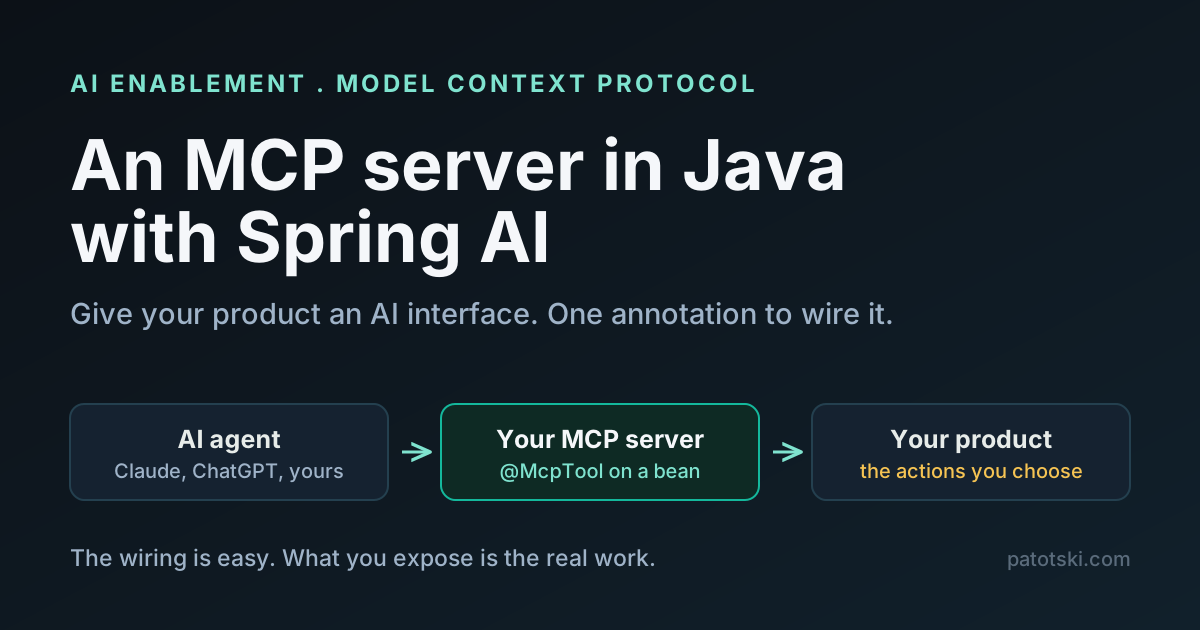
building an MCP server in Java with Spring AI.
Other ways to build an AI agent in Java
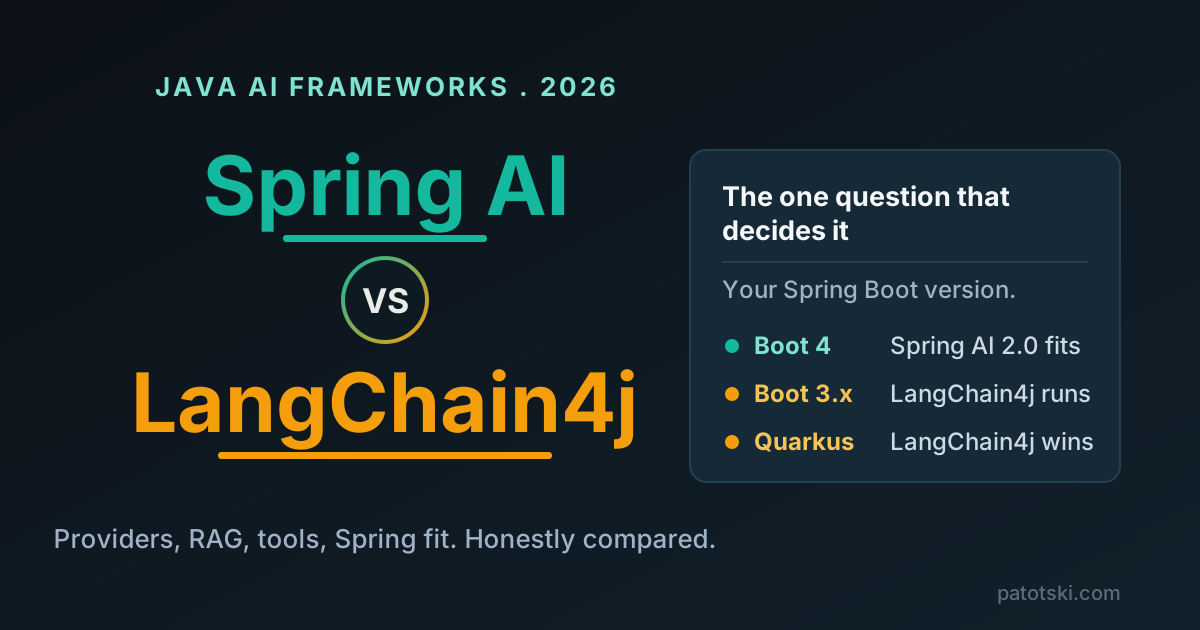
- Spring AI 2.0.1: primitives plus a bounded loop; the right default on a Spring Boot stack. Choosing between it and LangChain4j is covered in Spring AI vs LangChain4j.
- LangChain4j 1.21.0: stable core; its agent module (
langchain4j-agentic) is still a beta release. - Embabel 1.5.2: from Rod Johnson, the creator of Spring; Kotlin-first, Spring-integrated, with a goal-oriented planner. Young, worth watching if you need planning beyond a tool loop.
- Google ADK for Java 1.11.0: has a first-class
LlmAgentclass. - spring-ai-agent-utils 0.13.0: a community toolkit inspired by coding agents (skills, sub-agents, to-do tools). Not part of Spring AI, and pre-1.0.
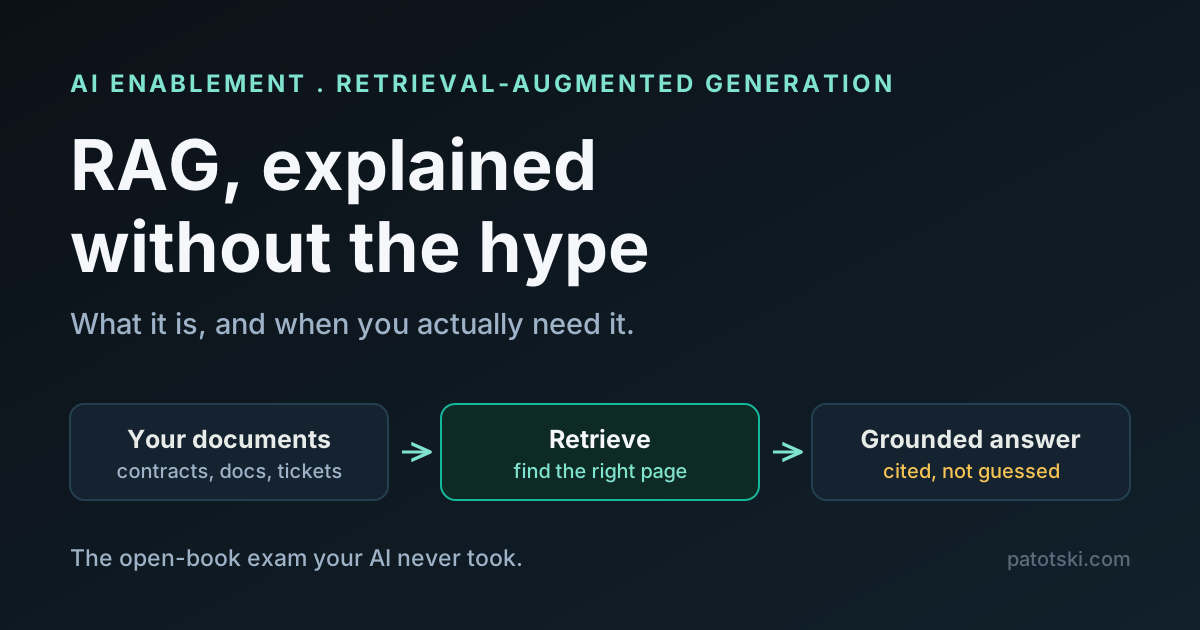
If your agent answers from your own documents, it needs retrieval underneath; that part is explained in RAG explained.
Sources
- Workflow and agent definitions, quotes: Anthropic, Building Effective Agents
- Spring AI 2.0.1 release, tool-call limits and request-scoped tools: release notes, tool calling reference, commit 029af3796, and the design notes in PR #6726
ChatClient, structured output and advisors: Spring AI ChatClient reference, effective agents in Spring AI- Workflow pattern examples: spring-ai-examples, agentic-patterns
- Agent security risks: OWASP Top 10 for Agentic Applications
- Framework versions: LangChain4j releases, Embabel releases, Google ADK for Java releases, spring-ai-agent-utils
Your AI proof of concept works in the demo and nobody trusts it in production? The gap is the guardrails above, not the model. I help SaaS teams ship AI features with the cost, approval and tenant isolation in place: AI Enablement consulting, or book a free 30-minute call.