 Viktar Patotski ·
· Databases
· 3 min read
Viktar Patotski ·
· Databases
· 3 min read
Liquibase 'Could Not Acquire Change Log Lock' - Permanent Fix With Session Locks
Stop the recurring "could not acquire change log lock" error in Liquibase. Replace databasechangeloglock with Postgres session locks - auto-releases on connection drop, no manual unlock.
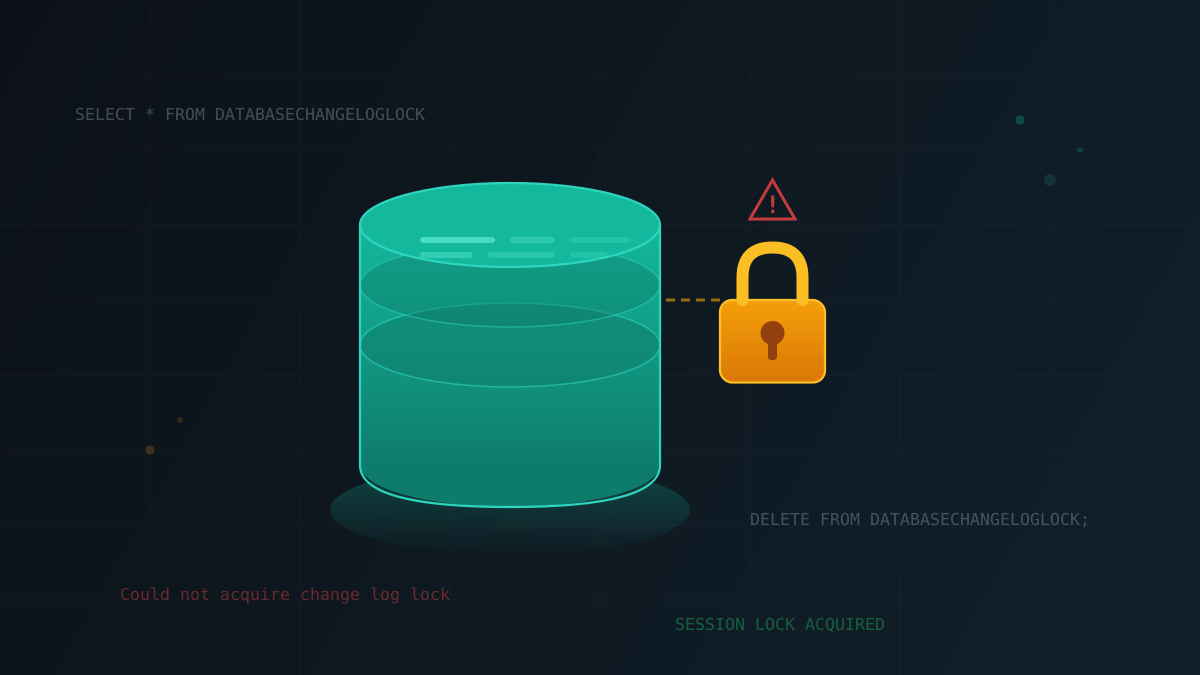
Why do you get “Liquibase Update Failed: Could not acquire change log lock”?
To perform database migrations, Liquibase must ensure that only one migration is happening in parallel. Concurrent execution may occur, for example, when more than one instance of migration service starts. All lock acquiring and releasing is done by an instance of a class implementing the
LockService interface. By default, Luquibase uses StandardLockService. This implementation uses a table named DATABASECHANGELOGLOCK and maintains DB locking by writing and deleting lock info. Every time migration starts lock is created and, after successful execution, released.
Challenge comes when migration service is not able to finish gracefully. For example, it crashed in the middle of routine or, as it happens very often in modern Kubernetes environments, was killed and rescheduled for whatever reason. In this case, the application doesn’t have many chances to release the lock, and all subsequent migration attempts will hang for some time and finally fail with the following message:
 Waiting for changelog lock....
 Waiting for changelog lock....
 Waiting for changelog lock....
 Waiting for changelog lock....
 Waiting for changelog lock....
 Waiting for changelog lock....
 Waiting for changelog lock....
 Liquibase Update Failed: Could not acquire change log lock. Currently locked by XXXX (IP.IP.IP.IP) since 2012-02-24 5:00
Straight forward solution - release lock manually
To fix the Could not acquire change log lock. problem, you need to stop your migration processes and then run an SQL query to delete the lock from the database:
DELETE FROM DATABASECHANGELOGLOCK;
After this, restart migration and hope that it finishes correctly. Repeat if it happens again.
Permanent solution - session locking
Liquibase provides the possibility to implement a custom LockService and override the default. For some RDMS, it is possible to implement session locking, which means that DB will be only locked for the time of active connection presence. In particular, it can be achieved in MySQL, MariaDB, PostgreSQL, and Oracle. Implementation for them relies on different DB-specific features, but I will not cover it. It’s possible to implement custom LockService to benefit from session locking. Fortunately, a tiny library already implements this functionality for mentioned databases: Liquibase Extension: Session Lock Support. Integration is super simple. Add the following dependency to your project:
Maven
<dependency>
    <groupId>com.github.blagerweij</groupId>
    <artifactId>liquibase-sessionlock</artifactId>
    <version>1.5.1</version>
</dependency>
Gradle
implementation 'com.github.blagerweij:liquibase-sessionlock:1.6.0
That’s it. You switched your Liquibase migrations to session locking (assuming you have Liquibase 4.* or higher). What happens behind the scenes: on a run time, a new DB-specific LockService will be created and registered with a higher priority than StandardLockService. This will ensure that you won’t have Liquibase “Could not acquire change log lock” problems anymore.
Happy Java coding!
Lock contention a regular pager event? The root cause is usually deeper than Liquibase - schema-migration strategy, deployment topology, connection ownership. I do database performance audits on Postgres-heavy stacks. Free 30-min scan.