 Viktar Patotski ·
· Cloud & Cost
· 7 min read
Viktar Patotski ·
· Cloud & Cost
· 7 min read
How to Reduce AWS RDS Costs Without Hurting Performance
RDS is often the second or third biggest line on an AWS bill, sometimes the first, and most of it is avoidable. The levers that move it: fix the queries before you upsize, match the instance to your load shape, and stop provisioning storage for data that has not arrived yet.
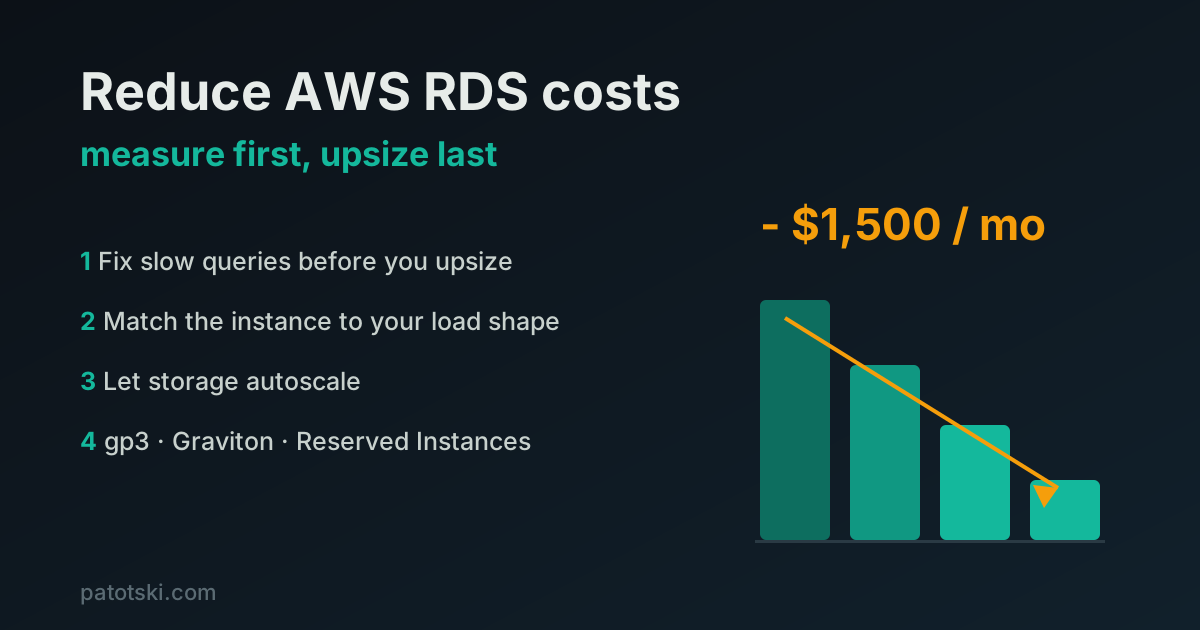
TL;DR - RDS is usually the second or third biggest line on an AWS bill, sometimes the first, and most teams have never done a single pass on it. The levers, in the order that pays best:
- Fix slow queries first. A faster database fits on a smaller instance.
- Match the instance model to your load shape: steady, bursty, or mostly idle.
- Let storage autoscale instead of pre-provisioning for data that has not arrived.
- Take the mechanical wins: gp2 to gp3, Graviton, Reserved Instances, no Multi-AZ on non-prod.
None of this needs a rewrite. Most of it is an afternoon of measuring and a maintenance window.
Why nobody touches the RDS bill
EC2 you notice. You pick an instance, you see it in the console, you think about it. RDS you pick once during setup, size for a launch day that may never come, and then forget. It runs at 10% most of the day, doubles its own cost with Multi-AZ you turned on everywhere out of caution, and grows storage that never shrinks.
Nobody on the team has done database cost work before, so the reflex when it gets slow is the same reflex everywhere: upsize the instance. That works for a month. Then the bill arrives.
Here is the order I actually work through it, cheapest effort first.
1. Fix the queries before you touch the instance size
This is the one most teams skip, and it is the one that pays twice.
A slow query log full of sequential scans, missing indexes, and N+1 patterns forces you onto a bigger instance to brute-force the load. You are renting CPU and memory to paper over work the database should not be doing. Fix the queries and the same traffic fits on a smaller instance, with less storage and fewer IOPS. Performance work and cost work are the same work here.
Concretely:
- Turn on the slow query log and CloudWatch Database Insights (the successor to Performance Insights). Read them.
- Find the queries that scan the most rows, not just the slowest ones. A query that runs 10,000 times an hour at 50ms costs more than one that runs once at 2 seconds.
- Add the indexes those queries actually need. Then drop the indexes nobody uses: every index is write overhead and storage.
- Kill the N+1s. One query for 100 rows beats 100 queries for 1 row each.
- Check column types. An oversized type on a hot table wastes memory on every row cached, every index, every sort.
A note on indexes, because it is a common trap: an index on every column is not free and not faster. Each one slows writes and grows storage. Index for the queries you run, not for the queries you imagine.
Only after the database is doing less work do you measure again and right-size down.
2. Match the instance model to your load shape
Steady load, bursty waves, and a mostly-idle database each want a different RDS model. Paying for provisioned capacity 24/7 across all three overpays on two of them. Look at a week of CloudWatch CPU and connections and you will see which shape you have.
Steady load. CPU sits in a predictable band all day. This is the easy case: provisioned m or r class, then a 1 or 3 year Reserved Instance or Savings Plan on the baseline. Committing to capacity you are going to use anyway is 30 to 60% off for a click.
Bursty or wave-shaped load. Quiet most of the time, spikes at known hours (a daily import, business-hours traffic, a nightly batch). Burstable t4g instances are built for exactly this. They bank CPU credits while quiet and spend them on the spike. If your average utilization is low but your peak is real, a burstable instance costs a fraction of a provisioned one sized for the peak.
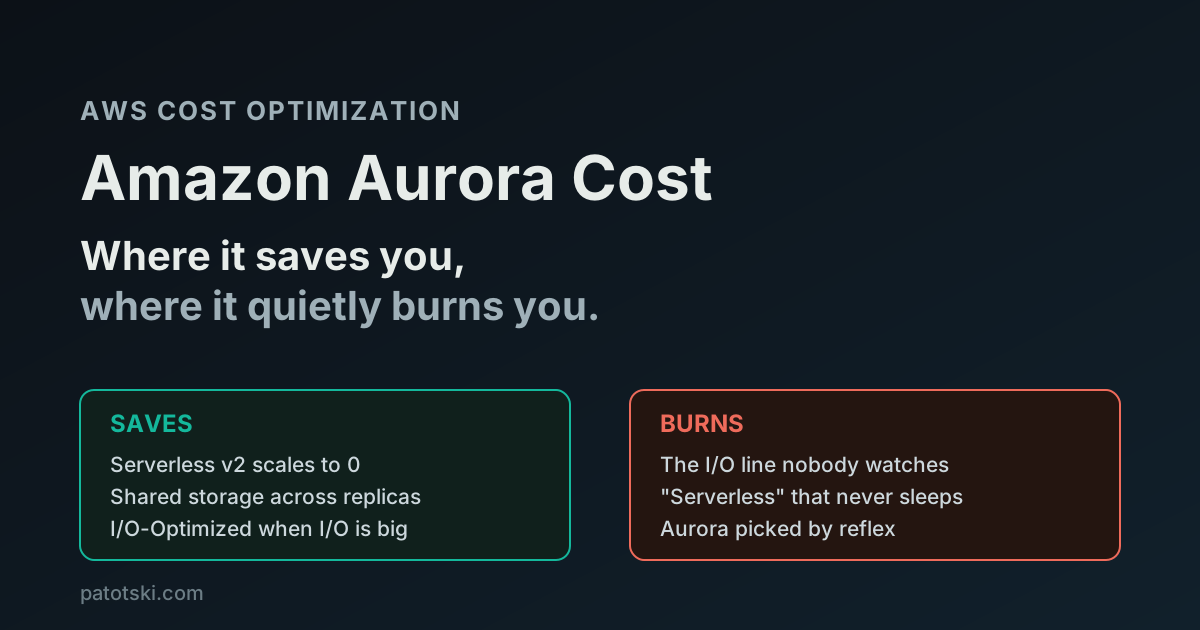
Mostly idle. Internal tools, staging, a reporting database used a few hours a day. Two options. Aurora Serverless v2 scales capacity down toward zero between bursts so you pay for what you use. Or, simpler and free, schedule a nightly stop on non-production. A dev database that runs 9 to 6 on weekdays instead of 24/7 costs roughly a third as much.
The mistake is using one model for everything. Most accounts have all three shapes and price them all as steady.
3. Let storage autoscale instead of guessing
The other quiet waste is storage provisioned for data that has not arrived yet. Someone allocates 500 GB on day one because the data “will grow,” and two years later it is 80 GB full and you have been paying for 500 GB the whole time. Provisioned storage does not shrink, so an over-allocation is permanent.
Turn on RDS storage autoscaling instead. Set a sane starting size and a maximum ceiling, and RDS grows the volume when you actually need it. You pay for the data you have, not the data you are imagining. The same applies to provisioned IOPS: do not pay for io1/io2 throughput you are not using. gp3 gives you a baseline of IOPS and throughput included, and lets you dial them up only if a measured workload needs it.
4. Take the mechanical wins
These need no measuring and no rewrite. Do them in a maintenance window.
- gp2 to gp3 storage. gp3 is around 20% cheaper per GB and decouples IOPS from size, so you stop buying capacity just to get throughput.
- Graviton. RDS runs on Graviton (the g instance classes, for example db.r6g, db.t4g). Same engine, 10 to 20% better price for performance, no code change.
- Reserved Instances or Savings Plans on anything steady. Covered above. This is the single biggest mechanical lever for a baseline workload.
- Drop Multi-AZ on non-production. Multi-AZ doubles the instance cost for a standby you do not need on dev and staging. Keep it on production, remove it everywhere else.
- Clean up snapshots and backups. Manual snapshots live forever until you delete them. Long backup retention on a large database is real money. Set a retention that matches your actual recovery needs.
- Retire idle instances. The replica nobody reads from, the database behind a service you decommissioned. Trusted Advisor and Cost Explorer will find them.
- Upgrade off end-of-life engine versions. AWS charges RDS Extended Support fees once your Postgres or MySQL major version passes end of standard support. It is billed per vCPU per hour and adds up fast on a large instance. Upgrading before that date avoids the fee and brings performance and security fixes along with it.
What this looks like in practice
On one project, the cheapest win came before any tuning at all: just taking inventory of every RDS instance actually running. Forgotten replicas, an oversized non-production database, instances still up behind services that had been decommissioned, and a couple running end-of-life engine versions quietly racking up extended support fees. Reviewing what was really running, then shutting down or right-sizing what was not earning its cost and upgrading what was, cut $1,500 a month off that account’s RDS bill. No rewrite, no new infrastructure. An afternoon with Cost Explorer and the list of instances.
The point is not the number. It is that the first $1,500 came from looking, not from engineering. Most accounts have never had anyone sit down and ask which databases are actually needed and at what size. The query tuning and the load-shape work come after that, and they compound on top.
Summary
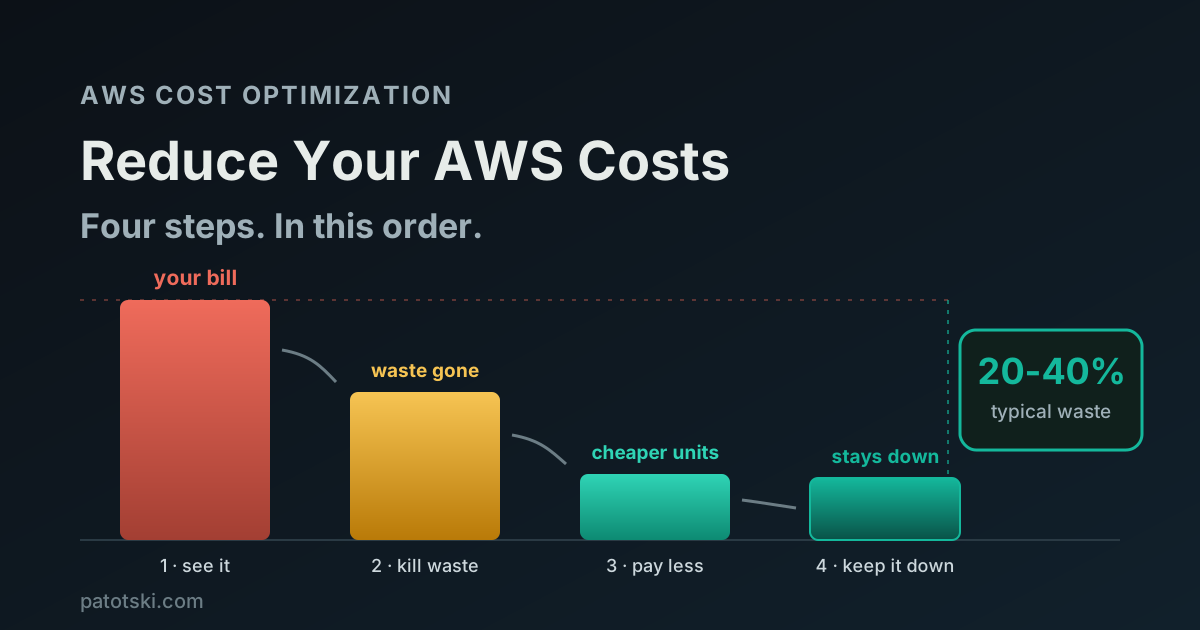
RDS gets expensive because it is set once and forgotten. The cheapest path back is also the most boring: fix the queries so the database does less work, match the instance to the shape of your load, let storage grow on its own, and take the mechanical discounts. Measure first, upsize last.
Most RDS waste traces back to a database doing more work than it should. For the performance side of that, see database optimization: find the bottleneck, fix the cheapest thing first.
Want someone to find these in your account? I do this kind of work as part of AWS Cost Optimization. Book a free 30-minute call and I will show you where the waste is.