 Viktar Patotski ·
· Cloud & Cost
· 6 min read
Viktar Patotski ·
· Cloud & Cost
· 6 min read
How to Reduce Your AWS Costs: The Full Playbook
Most AWS bills carry 20 to 40 percent waste, and cutting it does not take a FinOps team. This is the whole method in four steps: see where the money goes, kill the waste, pay less for what remains, and keep the bill down for good. Each step links to its own deep dive.
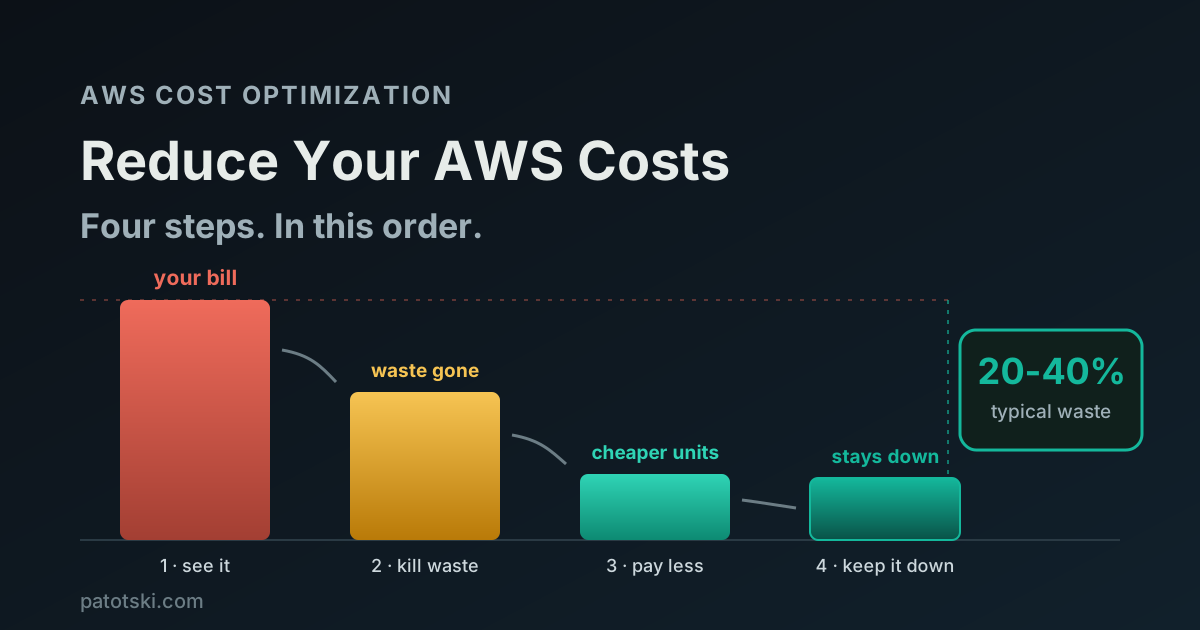
TL;DR - Reducing AWS costs is a method, not a bag of tricks, and the order matters:
- See where the money goes. Fifteen minutes in Cost Explorer. You cannot cut what you have not measured, and most bills are dominated by two or three services.
- Kill the waste. Oversized databases, idle resources, NAT gateway and data transfer surprises. This is the fastest money and it needs no commitment.
- Pay less for what remains. Graviton for the compute you keep, Savings Plans or Reserved Instances for the baseline you can predict.
- Keep it down. Anomaly alerts, budgets, and cost allocation tags, so the bill does not creep back while nobody is looking.
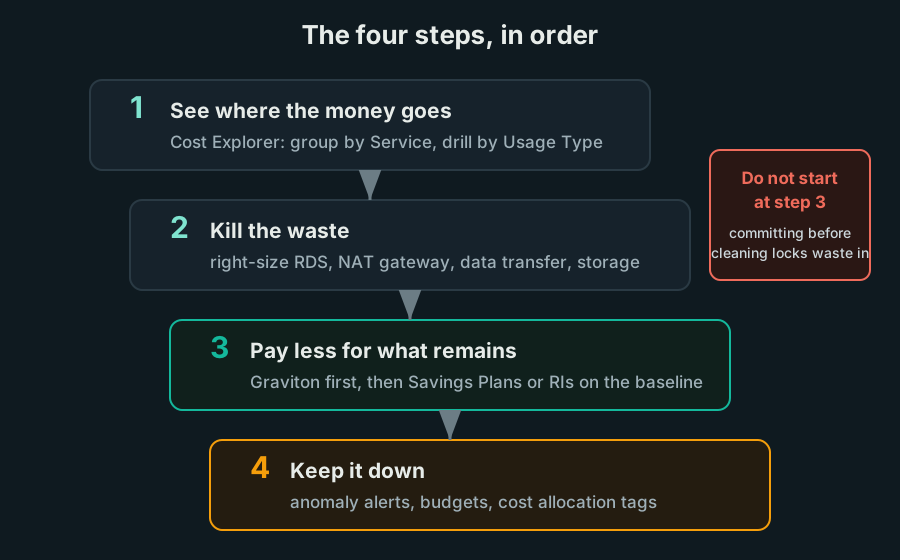
Do the steps in order. Committing to a discount on waste (step 3 before step 2) locks the waste in for one to three years.
Why in this order
The single most common mistake I see is jumping straight to Savings Plans because the discount is visible and the console offers it. But a commitment is a promise to keep spending. Buy it before you have cleaned up, and you have signed a one or three year contract on your waste.
The order that works: measure first, cut waste second, discount what survives third, and only then automate the watching. Each step shrinks the bill the next step operates on, so the same effort buys more.
Step 1: See where the money goes
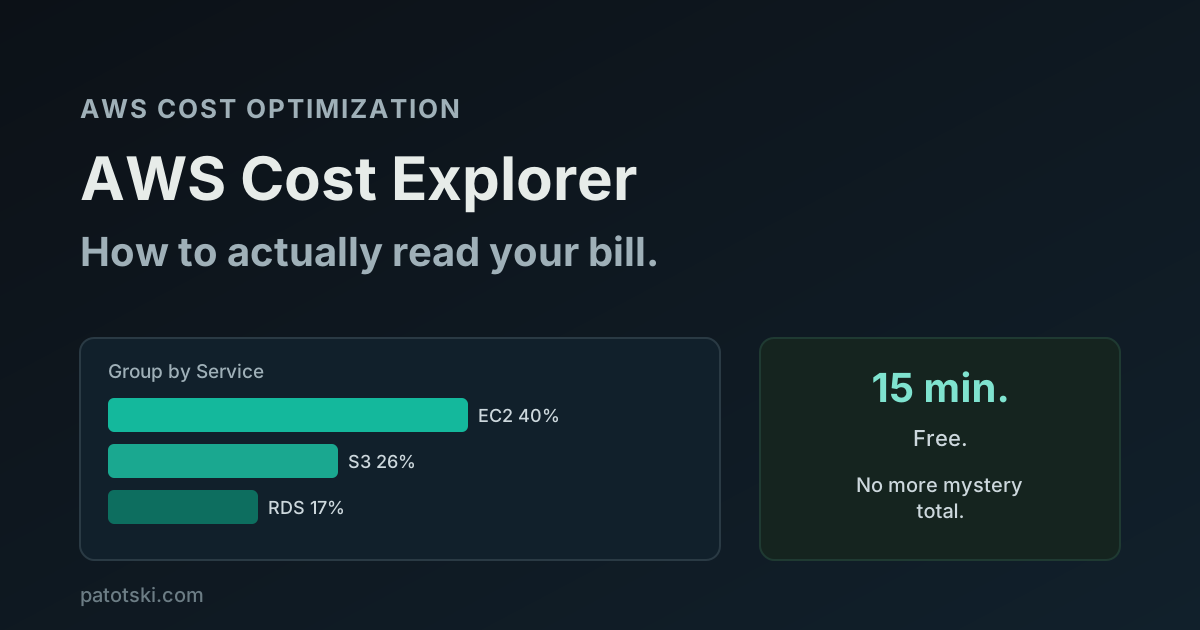
Open Cost Explorer, group by Service over the last three months, then drill into the biggest service by Usage Type. That single pass answers “where is the money going” for almost every account, and it is free. Nearly every AWS bill is dominated by two or three services; the long tail is rounding.
While you are there, check which cost view you are reading. If you own any Reserved Instances or Savings Plans, the default (Unblended) view shows misleading spikes; switch to Amortized.
The full fifteen-minute pass, including the EC2-Other junk drawer and the one free alarm worth enabling, is here: AWS Cost Explorer: how to actually read your bill.
Step 2: Kill the waste
This is where the fastest money is, because deleting waste needs no commitment, no negotiation, and usually no architecture change. The usual suspects, in the order I find them at clients:
Databases sized for a launch that never came. RDS instances running at 10% CPU around the clock, storage provisioned 5x above use, environments nobody switched off. Databases are typically the single biggest line after compute, and the fixes rarely touch performance: how to reduce AWS RDS costs without hurting performance.
The NAT gateway you forgot. A NAT gateway charges for every gigabyte it processes, and a chatty workload behind one can quietly cost more than the instances it serves: the NAT gateway cost trap.
Data transfer you did not know you were paying for. Cross-AZ chatter, egress to the internet, traffic that could ride a VPC endpoint for a fraction of the price: where AWS data transfer costs leak.
Aurora bought for the name. Aurora is excellent and 20 to 30% more expensive per instance than plain RDS, plus I/O charges that surprise people on the Standard configuration. Whether it saves or burns money depends on your workload shape: Amazon Aurora cost: where it saves you and where it burns you.
If you want the self-audit version of this step, grab the free checklist of the 12 most common AWS cost mistakes: it is the same hunting list I use in the first week of an engagement, and it covers the wins this post leaves out (Spot instances, S3 lifecycle policies, log retention, forgotten resources).
Step 3: Pay less for what remains
Now, and only now, reduce the unit price of the spend that survived the cleanup. Two levers, and they stack:
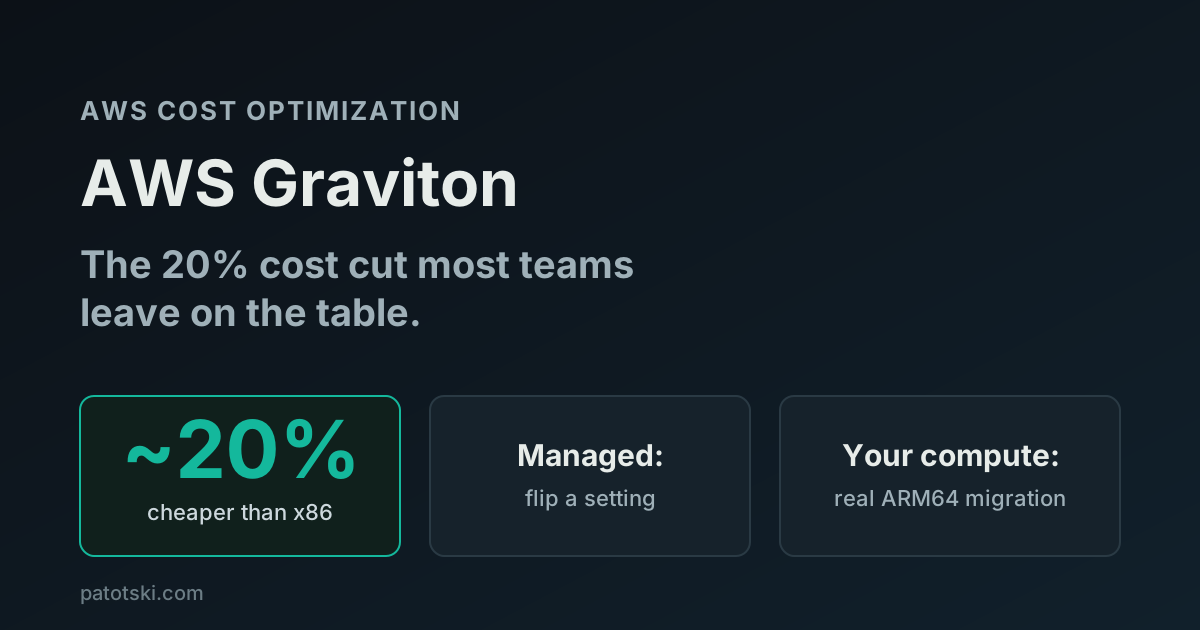
Move compute to Graviton. AWS’s ARM-based instances are about 20% cheaper for the same size, and for managed services (RDS, ElastiCache, OpenSearch) the switch is an instance-type change with no code involved. Most teams leave this on the table: AWS Graviton: the 20% cost cut most teams leave on the table.
Commit to your baseline. The predictable, always-on part of your compute should not run at On-Demand prices. Savings Plans or Reserved Instances cut that baseline by up to 72%, and picking between them is simpler than the console makes it look: Savings Plans vs Reserved Instances.
Sequence inside this step matters too: migrate to Graviton first, then commit, so your commitment is priced on the cheaper instances.
Step 4: Keep it down
A bill you cut once creeps back. Three cheap controls hold the line:
Cost Anomaly Detection. Free, uses ML to learn your normal spend pattern, and emails you when something jumps. It catches the “test environment left running over the weekend” class of mistake while it costs tens of dollars, not thousands. One minute to enable, covered in the Cost Explorer walkthrough.
Budgets with alerts. Set a monthly budget slightly above your normal spend with alerts at 80% and 100%. Crude compared to anomaly detection, but it is the backstop that emails your inbox before finance emails you.
Cost allocation tags. Tag resources by team, product, or environment, and activate the tags in the billing console. Untagged infrastructure is how a bill becomes nobody’s problem. You do not need a perfect taxonomy, you need enough that every big line item has an owner.
The traps
Committing before cleaning. Buying Savings Plans on a bill full of waste locks the waste in. Steps in order.
Optimizing the small stuff first. A week spent trimming a $50/month Lambda bill while RDS burns $5,000 is motion, not progress. Cost Explorer tells you where the big lines are; start there.
One heroic cleanup, no controls. Without anomaly alerts and budgets, the bill drifts back within months, because nothing watches it between cleanups.
Treating the bill as a finance problem. Finance sees the total thirty days late. The people who can actually change the bill are the engineers who own the resources, and they need to see the numbers. Tags and a monthly fifteen-minute review do more than any report.
Summary
Reducing AWS costs is four steps in a fixed order: read the bill in Cost Explorer, delete the waste (databases, NAT, data transfer, storage), cut the unit price of what remains (Graviton, then commitments), and set the free controls that keep it down (anomaly alerts, budgets, tags). Teams that have never done the pass usually find 20 to 40 percent. The deep dives for each step are linked above, and the free 12-mistake checklist is the self-audit version of step 2.
Want the pass done with someone who has cut over $1M in cloud spend across clients? I do this as part of AWS Cost Optimization. Book a free 30-minute call and we will open your Cost Explorer together and name the top three fixes.